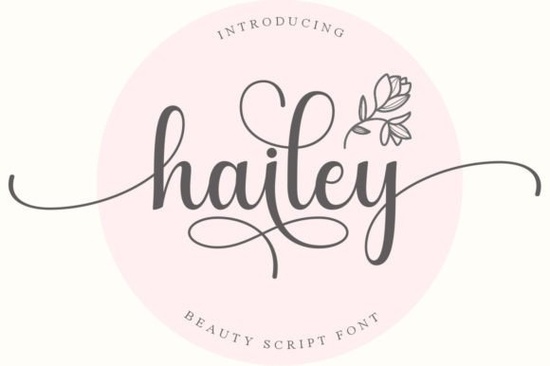
If you need a clean, readable script that feels personal without sacrificing professionalism, Hailey Font delivers exactly that. This delicate handwritten typeface brings a smooth, flowing rhythm to logos, product labels, and printable artwork. Designers and small business owners often choose it because the letterforms stay legible even at smaller sizes, which matters when printing stickers, packaging tags, or digital mockups. The included swashes and alternate glyphs give you room to customize each layout without switching to a second typeface.
What makes this handwritten style work for craft and design projects?
Script fonts can quickly become difficult to read when the connections between letters are too tight or the strokes are overly decorative. Hailey avoids that trap by keeping a steady baseline and open counters. The result is a natural, handwritten feel that still prints clearly on cardstock, vinyl, and fabric. Because the font is fully PUA encoded, you do not need advanced design software to reach the extra characters. Every swash, ligature, and stylistic alternate maps directly to your keyboard, so programs like Cricut Design Space, Silhouette Studio, and Canva can access them without extra steps. This saves time when you are batching orders or preparing files for a print-on-demand store.
Which projects pair best with a flowing script like this?
A light, elegant handwriting style works best when it has room to breathe. You will get the cleanest results on wedding invitations, boutique branding kits, candle labels, and digital planners. It also performs well on apparel mockups where a soft, personal touch helps the design stand out without overwhelming the garment. If you are building a font library for seasonal releases, you might want to explore other handwritten options like a playful brush style for casual merch or a refined calligraphy set for formal stationery. Mixing a delicate script with a sturdy sans serif creates contrast that guides the reader’s eye. Use the script for headlines or names, and pair it with a simple body font for details.
How do you install and access the extra glyphs without design software?
Installation takes less than two minutes on both Windows and Mac. Once the OTF or TTF file is added to your system, restart your design program so the new typeface appears in the font menu. Because Hailey is PUA encoded, you can open your operating system’s character map to copy and paste swashes directly into your workspace. Crafters who cut vinyl or heat transfer material should remember to weld overlapping letters before sending the file to the cutting machine. This prevents the blade from tracing the same line twice and keeps your material intact. If you frequently design social media graphics, you might also test a modern duo package for quick layout variations or a relaxed handwritten alternative for lifestyle branding. Having a few reliable scripts on hand makes it easier to match the mood of each campaign.
What should you check before using a script font for commercial products?
Licensing is the first step. Always review the included license file to confirm whether your intended use covers digital downloads, physical products, or client work. Some licenses restrict the number of end products or require an upgrade for large-scale distribution. Next, test the font at the exact size you plan to print. Scripts often look perfect on screen but lose detail when scaled down for small tags or return address labels. Run a quick print test on your actual material, check the spacing, and adjust tracking if the letters feel too tight. Finally, keep your file organization simple. Store the original font files, license documents, and test prints in one folder so you can reference them later. If you need a stronger contrast for bold headlines, a heavier script option can balance out delicate layouts without cluttering the design.
Before you finalize your next project, run through this quick checklist:
- Verify the license matches your intended commercial or personal use.
- Test print at actual size on your chosen material to check readability.
- Access swashes via character map and paste them directly into your design file.
- Weld overlapping letters before cutting vinyl or heat transfer material.
- Pair with a simple sans serif to keep long text clear and balanced.
Save your test files, note which swashes work best for your brand, and keep the font folder organized for future releases. A well-chosen script saves time, reduces revisions, and gives your products a consistent, professional finish.
Try It Free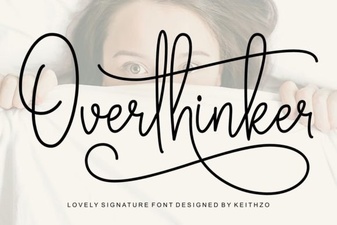 Overthinker Font: the Designer's Ultimate Tool
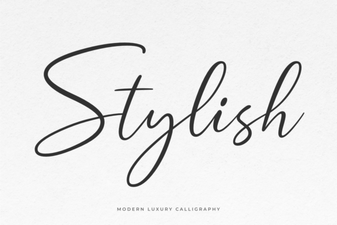 Stylish Font Designs for Your Creative Projects
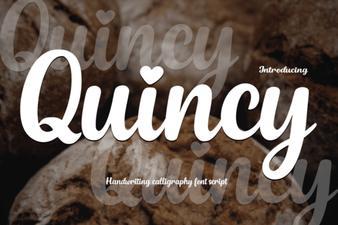 Quincy Font: Creative Design for Modern Projects
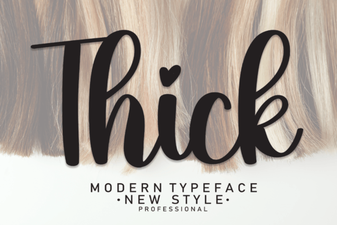 Design Projects with Bold Thick Fonts
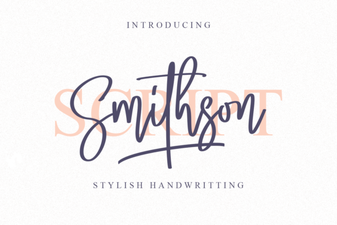 Smithson Font: Free Serif Style for Modern Designs
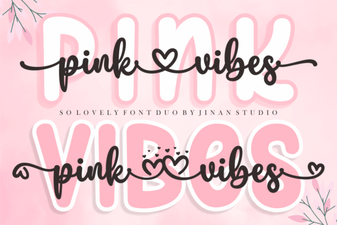 Pink Vibes Duo Font for Creative Designs