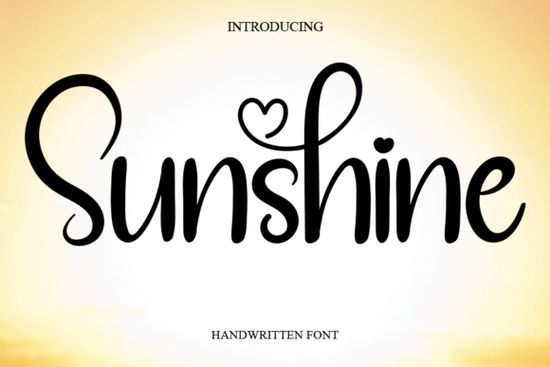
If you need a clean, everyday handwritten typeface that feels approachable without looking messy, Sunshine Font is worth a close look. It’s a simple script that stays readable at small sizes and keeps a relaxed rhythm when scaled up for headlines. Designers, crafters, and print-on-demand sellers often choose this style for greeting cards, product labels, or social graphics when they want a personal touch without spending hours fixing letter spacing.
What makes this handwritten style work for everyday projects?
Sunshine keeps its strokes even and its character widths balanced, so you won’t fight with awkward gaps or overlapping letters. You can preview the full character set on the dedicated typeface page before downloading. That steady baseline makes it reliable for digital mockups and physical prints alike. When you’re laying out a wedding invitation or a small business thank-you card, you want a typeface that feels hand-drawn but still behaves predictably in your design software.
Some casual scripts lean too heavily into decorative swashes, which quickly become hard to read on packaging. A cleaner alternative like a softer brush style or a flowing calligraphy option might suit formal events, while this particular typeface stays grounded for daily use.
Where does a casual script fit best in your workflow?
Handwritten fonts work best when used with purpose. Instead of filling an entire layout with script, try reserving it for:
- Short headlines that need a friendly tone
- Product names on labels, stickers, or packaging inserts
- Signature lines on digital newsletters or printable planners
- Accent text paired with a clean sans serif for contrast
Keep the script to one or two lines max so the design stays readable. If you prefer a bolder look for retail tags, you might also browse heavier lettering styles that hold up well on textured paper.
How do I set it up and avoid formatting issues?
Most script fonts come in standard OTF and TTF formats. Install the files into your system’s font folder, then restart your design program. If you’re working in Canva, Cricut Design Space, or Silhouette Studio, upload the font manually or sync it through your desktop app.
Some handwritten fonts include extra swashes that only appear in software with OpenType support, like Adobe Illustrator or Affinity Designer. If your letters look disconnected, check the glyphs panel or turn on contextual alternates. For a smoother writing effect, you can also test a more fluid script option when your project calls for longer quotes.
What should I check before using it commercially?
Always review the included license file before adding the font to client work, printable listings, or merchandise. Most marketplace fonts allow personal use and small-scale commercial projects, but some require an extended license for digital products or large print runs. Keep a copy of your receipt and license terms in your project folder.
When testing layouts, print a quick draft on your actual material. Adjust tracking slightly if letters feel tight, and never stretch the font horizontally.
Quick next steps before you start designing:
- Install both file formats and restart your design app
- Enable contextual alternates if your software supports OpenType
- Pair the script with a neutral sans serif and limit it to 1–2 lines
- Print a test sheet on your final material to check spacing
- Save the license file and receipt in your project folder
Type out your actual copy instead of placeholder text. Real words reveal spacing quirks early, and you’ll know right away whether the typeface matches your brand tone. Once everything lines up, you can move straight into production.
Learn More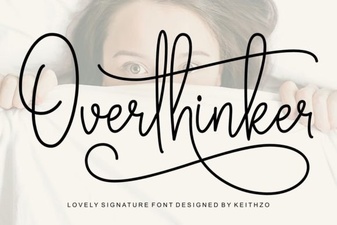 Overthinker Font: the Designer's Ultimate Tool
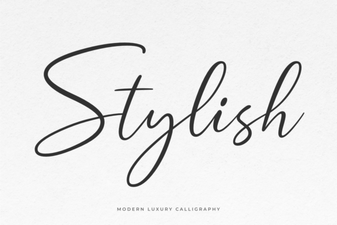 Stylish Font Designs for Your Creative Projects
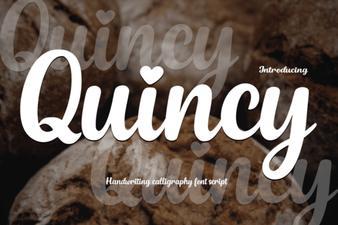 Quincy Font: Creative Design for Modern Projects
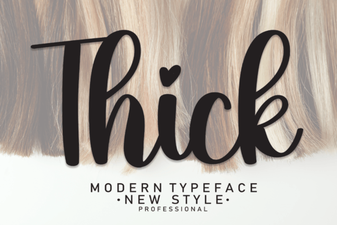 Design Projects with Bold Thick Fonts
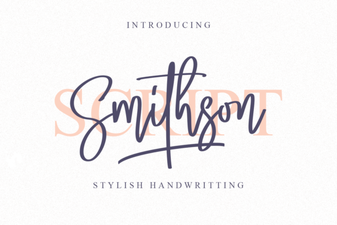 Smithson Font: Free Serif Style for Modern Designs
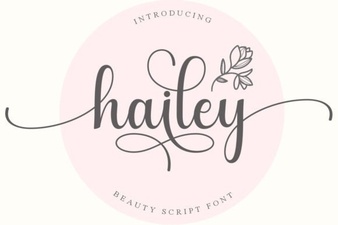 Hailey Font: Creative Styles for Modern Projects